Getting the Most Out of Your Samsung Galaxy S26 Ultra Camera
Learn how to get better photos and videos with the Samsung Galaxy S26 Ultra. Explore its camera features, settings, and tips for capturing great shots in different lighting conditions.
Get the Best Photos with the Samsung S26 Ultra
A great smartphone camera is more than just capturing high-resolution images. Good lighting, good camera settings, proper composition, and good accessories can also contribute to getting the best photos and videos. If you like taking photos or making social media posts, understanding how to take photos correctly can significantly influence the end result.
Having a high-end camera in no way guarantees a perfect photo. But knowing its capabilities and when it’s necessary to use them may help you capture the best pictures.
Here’s how to take the best photos using the Samsung Galaxy S26 Ultra camera.
What makes the Camera Suitable for Different Lighting Conditions?
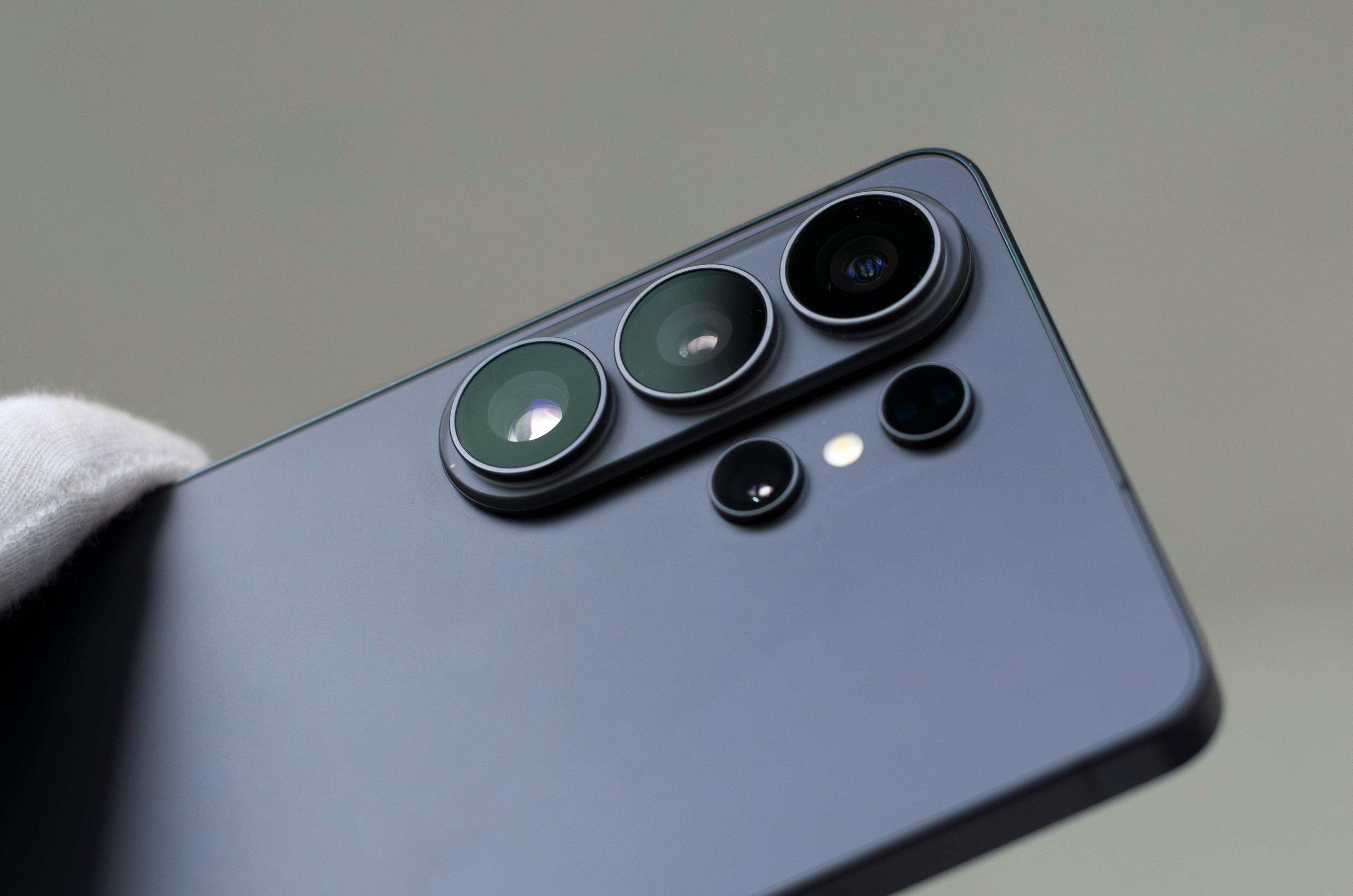
One of the great aspects about the Galaxy S26 Ultra is the 200MP wide camera with the F1.4 aperture. With such a high-resolution sensor, taking photos becomes easier and more comfortable, because you can easily use it to take photos of landscapes, buildings, and other subjects. However, the quality will still greatly depend on the lighting conditions.
With the wider aperture, more light reaches the sensor so the camera can capture brighter photos even in dark surroundings.
Its ultra-wide 50M camera can be used for taking pictures of landscapes, huge structures, and groups. It lets you get an extra view of the surroundings without stepping farther from your target.
On the other hand, its telephoto camera provides 3x and 5x optical zooming along with 2x and 10x optical zoom. They come handy when shooting distant objects like performers during concerts or huge structures. It offers Space Zoom up to 100x times. However, this option is powered by digital and AI zooming techniques, hence its results may differ significantly from one another.
Moreover, Samsung’s ProVisual Engine is used to enhance images by enhancing details, colors, and overall image sharpness in various environments, especially where lighting may not be the best.
This makes the Galaxy S26 Ultra suitable for use in various photography contexts including everyday use, taking outdoor pictures, or taking photos for social media.
Capture Better Photos during the Day or Night
Make the Most of Natural Light during the Day
In outdoor photography, the natural light helps to get clear and vivid images. Try taking pictures of your object under softer lighting conditions in the morning or evening hours.
When shooting landscapes, the ultra-wide lens will assist you in getting all the scenery captured in the photo. If you’re shooting buildings and urban environments, try different angles.
It’s also recommended not to use too much digital zoom but rather move closer to the object or use the optical zoom features available.
Use Nightography for Better Low-Light Photos
The Galaxy S26 Ultra’s Nightography feature aims to solve these problems. The main camera has a 200MP and an F1.4 aperture. Meanwhile, the telephoto camera comes with an F2.9 aperture. As explained by Samsung, the increased apertures allow for improved brightness in comparison with the previous generation.
If you want better photos, you should use Night mode for photographing city lights, night markets, or outdoor scenery in the evening. You need to ensure that your phone is steady during the photo-taking process.
Improve Your Videos with Built-In Camera Tools
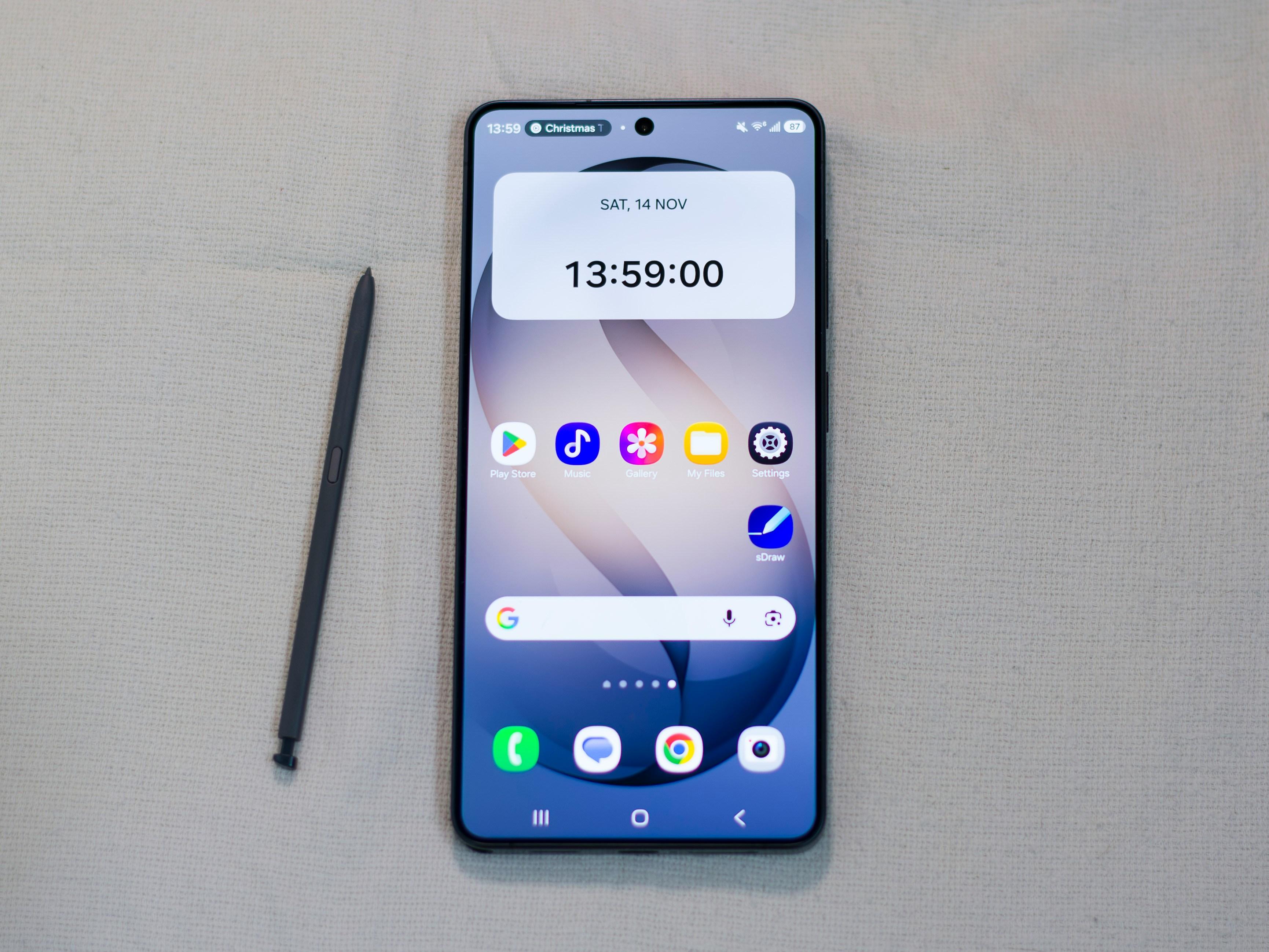
Use Super Steady for Smoother Videos
With Samsung’s Super Steady function, the camera’s shaky movements are minimized and hence makes it convenient for capturing videos while doing activities like tour walking and adventures.
Moreover, the Galaxy S26 Ultra also comes with a Horizontal Lock function under the Super Steady function. This works through the use of motion sensors.
Explore Pro Video Mode for More Control
In order for you to create videos that have a more customized look, then you should go with Pro Video Mode because it’ll allow you to have more control over your settings when taking the video. Rather than letting your camera automatically adjust settings like ISO, shutter speed, focus, and white balance, you could manually control these settings yourself.
For example, you can set white balance to help in making sure that your colors don’t vary when recording indoors under artificial light.
Different Recording Resolutions for Different Content
The Galaxy S26 Ultra allows for video shooting up to an 8K resolution at 30 fps, offering the possibility of capturing extremely detailed videos. Nevertheless, sometimes high resolution isn’t needed.
Full HD or 4K would work just fine in case of social media videos according to your chosen platform. Besides, larger resolutions will take more memory, so think about the amount of videos you want to shoot.
When capturing slow-motion footage, there’s a chance to try out the various settings for showing action in sports and dancing, among others.
Galaxy AI makes Editing Easier
Occasionally, you might wish to delete some objects, change the composition or do minor alterations before sharing the content. Features of Samsung’s Galaxy AI include Photo Assist where a user can do some editing of images by writing text prompts. For example, you could state what alterations you would like to make to the picture.
What Photography Accessories are Worth Considering?
Despite the fact that Samsung Galaxy S26 Ultra features an already advanced camera system, there are some additional gadgets which may facilitate photographing and videography.
One of the most useful devices for photographing on a smartphone is a tripod. Thanks to it, the phone is stabilized and it becomes possible to take photos at night and during the long exposure, take pictures of the whole group, and make time-lapse videos.
If you’re doing frequent interview recording, tutorial sessions, product review, and talking heads, you can try using a wireless microphone that’ll be useful in capturing clear audio. Built-in microphones will be easy to use but may not be effective in capturing audio in an environment full of noise.
If you’re always taking pictures of products, recording videos, or producing content in indoor settings, you can try using a portable LED light that’ll be helpful in improving visibility. A small adjustable light will be useful because you can adjust the level of brightness and position accordingly.
Samsung Galaxy S26 Ultra’s Camera Features FAQs
Can I subscribe to the Samsung Galaxy S26 Ultra through Cinch? Cinch offers device subscription plans with 3, 6, 12 and 18-month terms. Device availability and monthly pricing may vary, so check the website for the latest options.
Does Cinch cover accidental damage to the Galaxy S26 Ultra? Cinch covers 90% of eligible repair costs, while subscribers are responsible for the remaining 10%. Coverage is subject to the applicable terms and conditions, including the authorised repair process.
How many megapixels does the Samsung Galaxy S26 Ultra camera have? The Galaxy S26 Ultra has a 200MP main camera, a 50MP ultra-wide camera, a 50MP telephoto camera and a 10MP telephoto camera. It also features a 12MP front camera.
Can the Samsung Galaxy S26 Ultra record videos in 8K? Yes. The Galaxy S26 Ultra supports video recording at up to 8K resolution at 30 frames per second. However, 4K or Full HD may be more suitable for everyday social media content.


 1,614 Google reviews